Google Docs Spreadsheet Forms
March 14th, 2008

I have been using Google Docs in a variety of ways since its release. About a month or so ago, they released a whole slew of new features, one of which was Google Forms. I finally had the chance to sit down and run through the setup. It is rather simple and pretty functional for basic users needing to collect form data on the web.
Here is a brief overview:
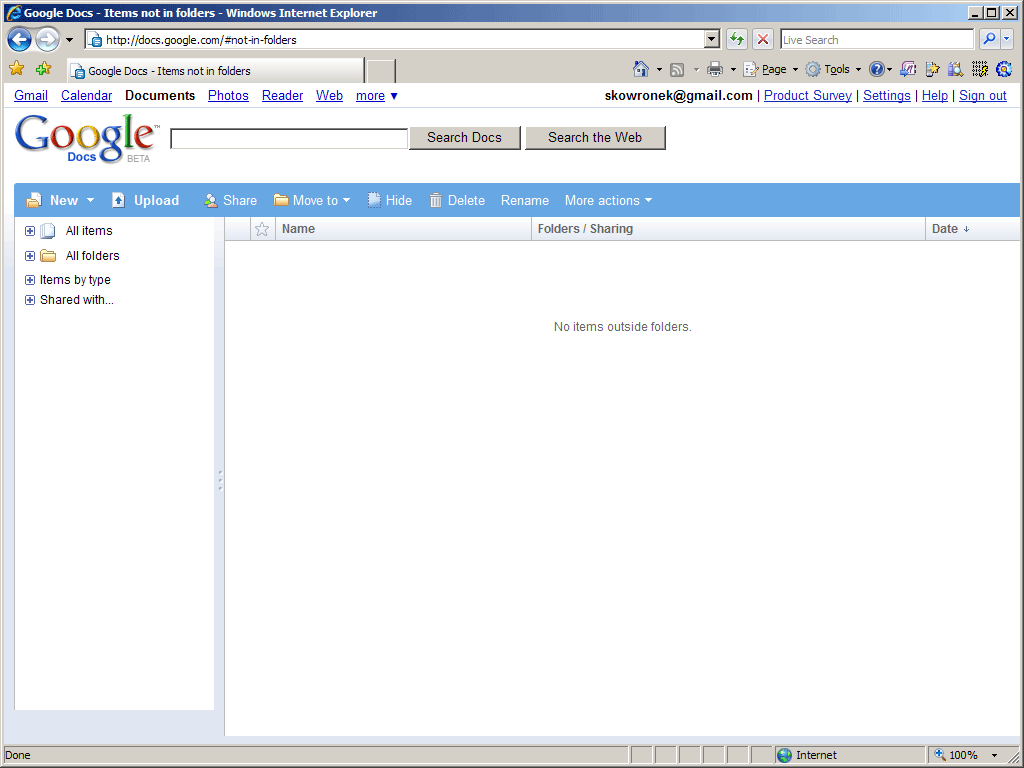
Docs explorer screen
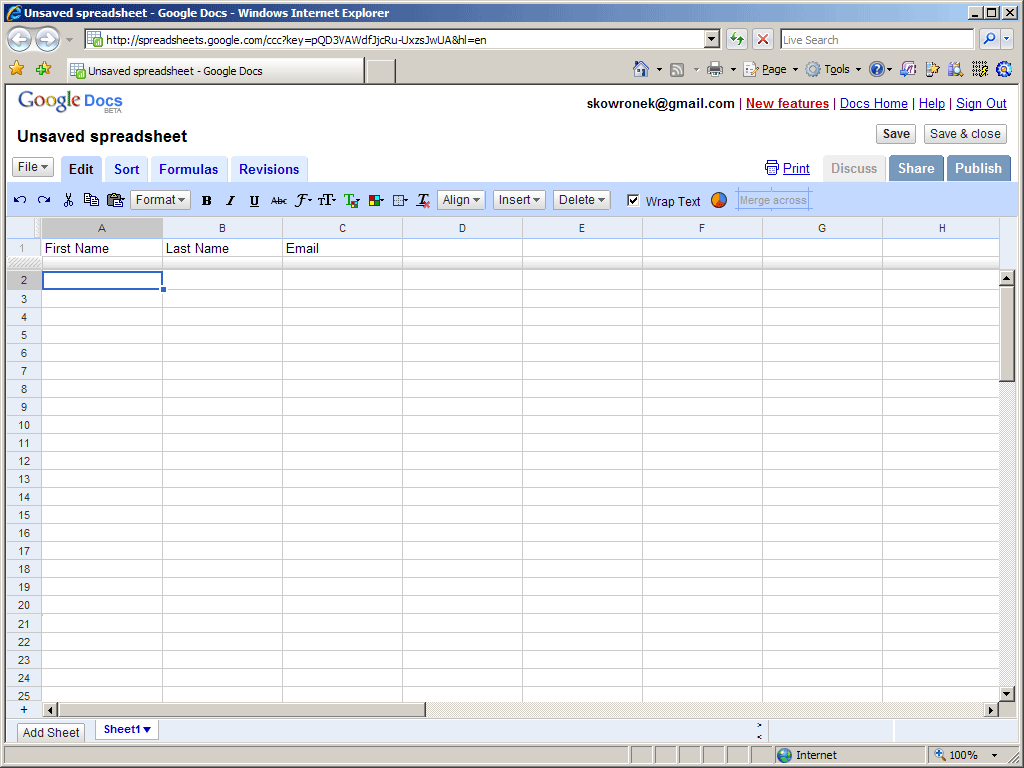
New spreadsheet document with column headers representing the form data you wish to collect
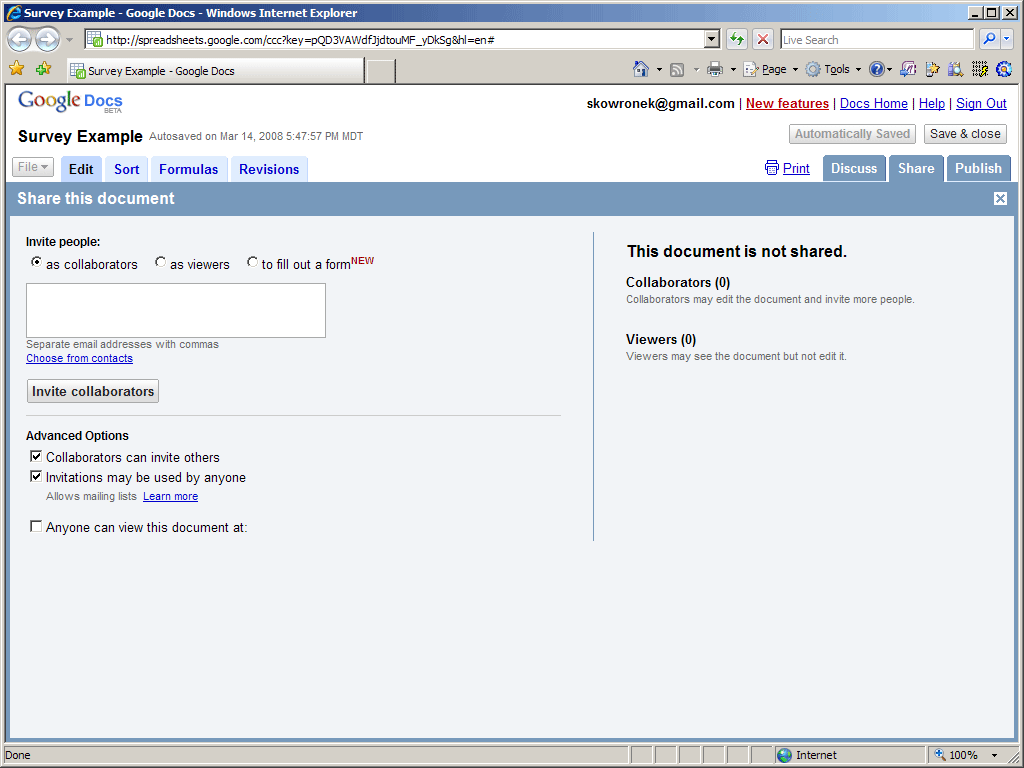
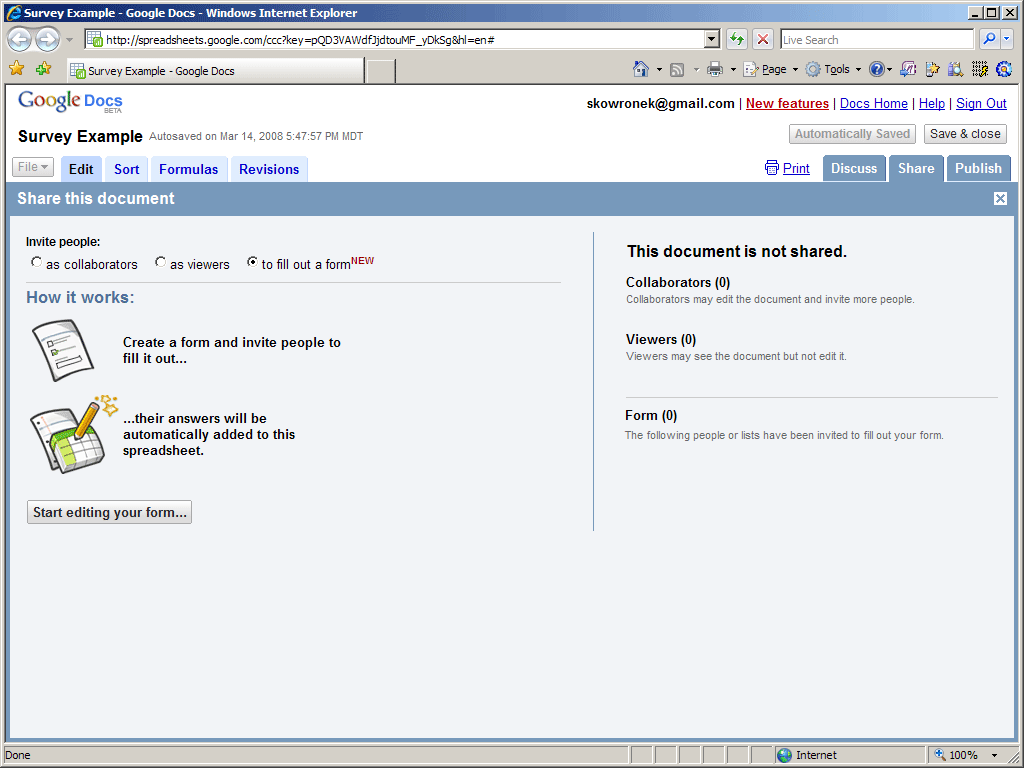
Invite people to fill out a form
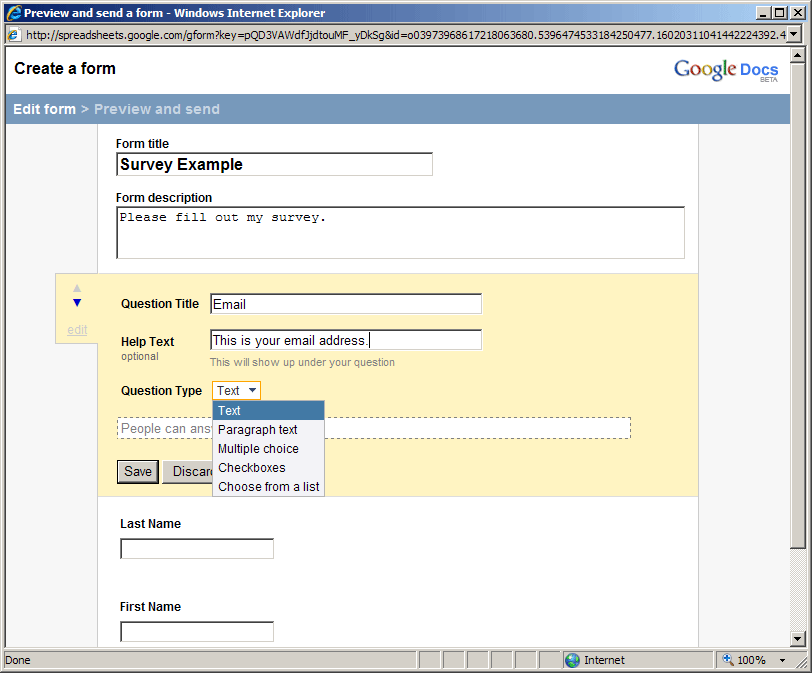
Edit the form questions
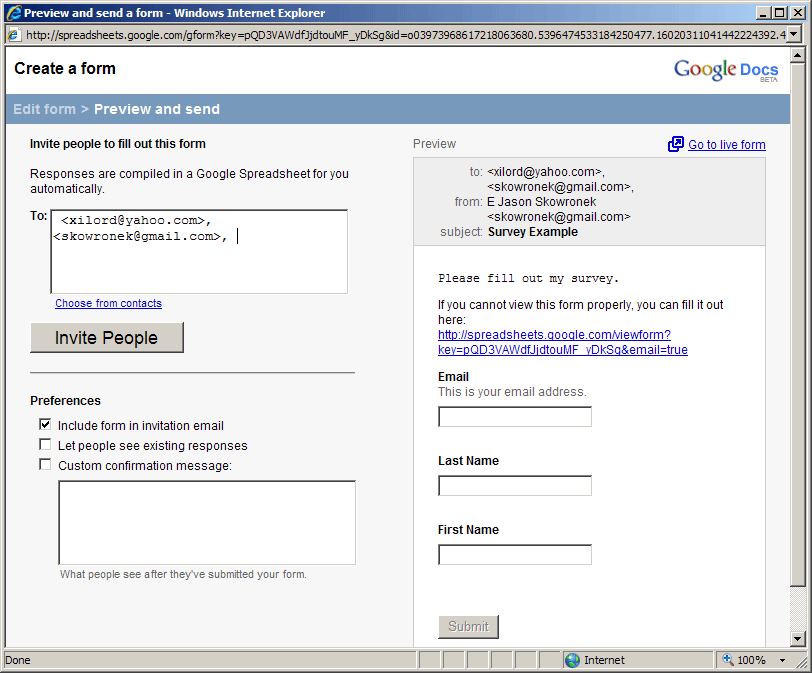
Add invitees manually
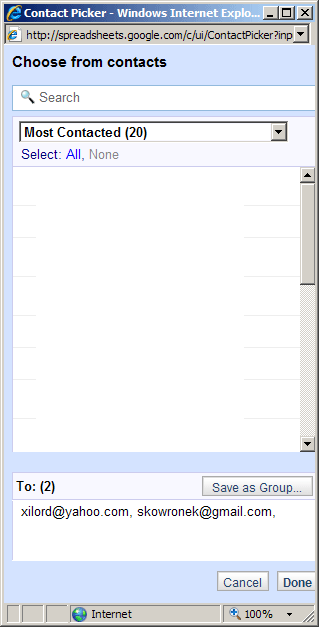
Or choose them from your Google contacts
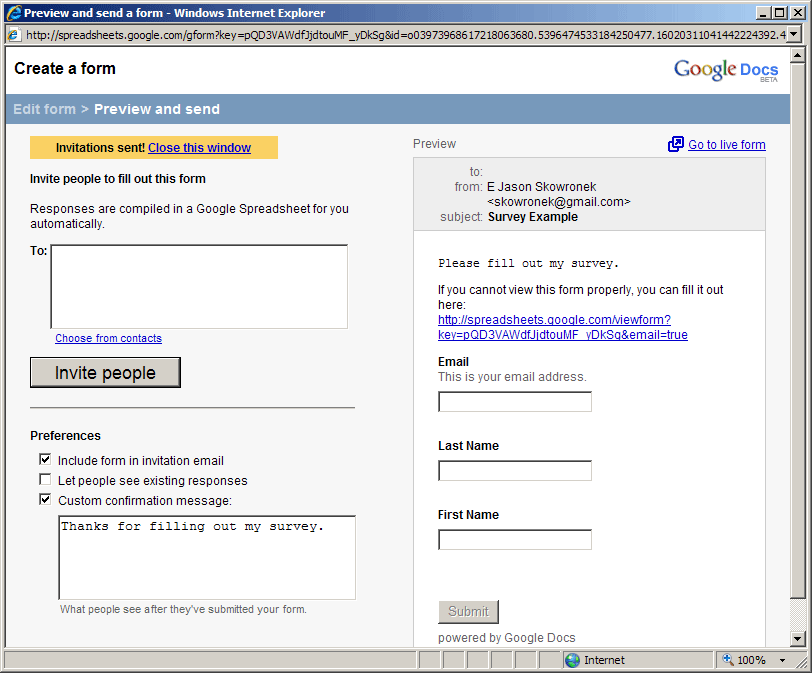
Send the invitation to your invitees
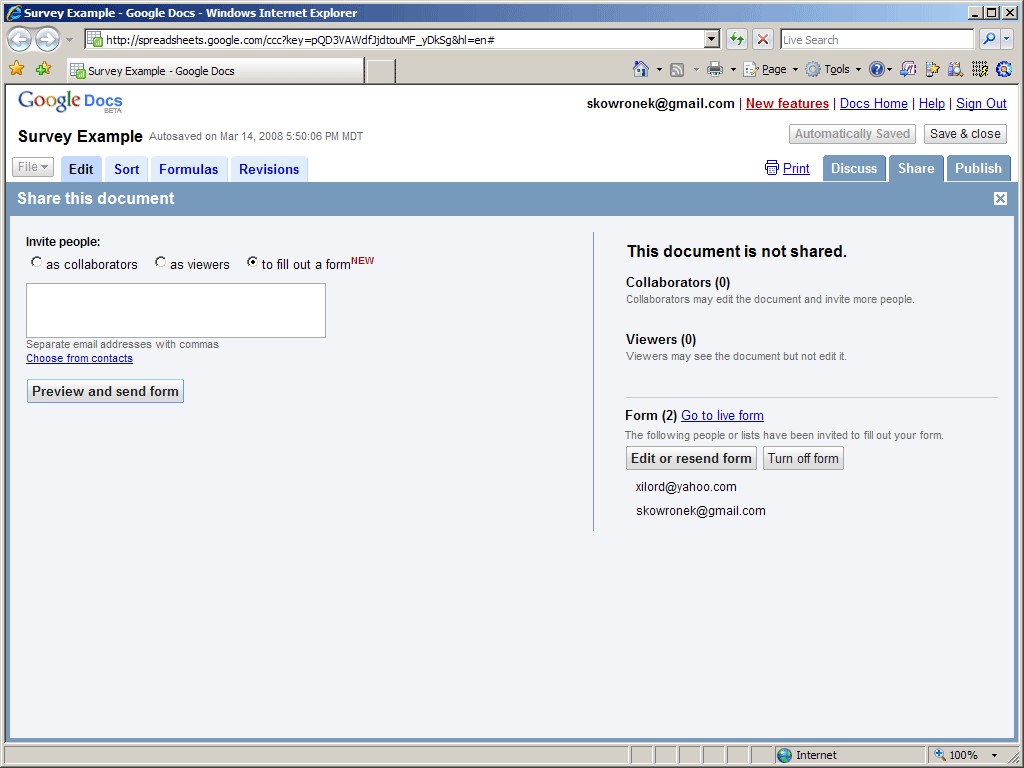
Once sent, you can review your form at the Share screen
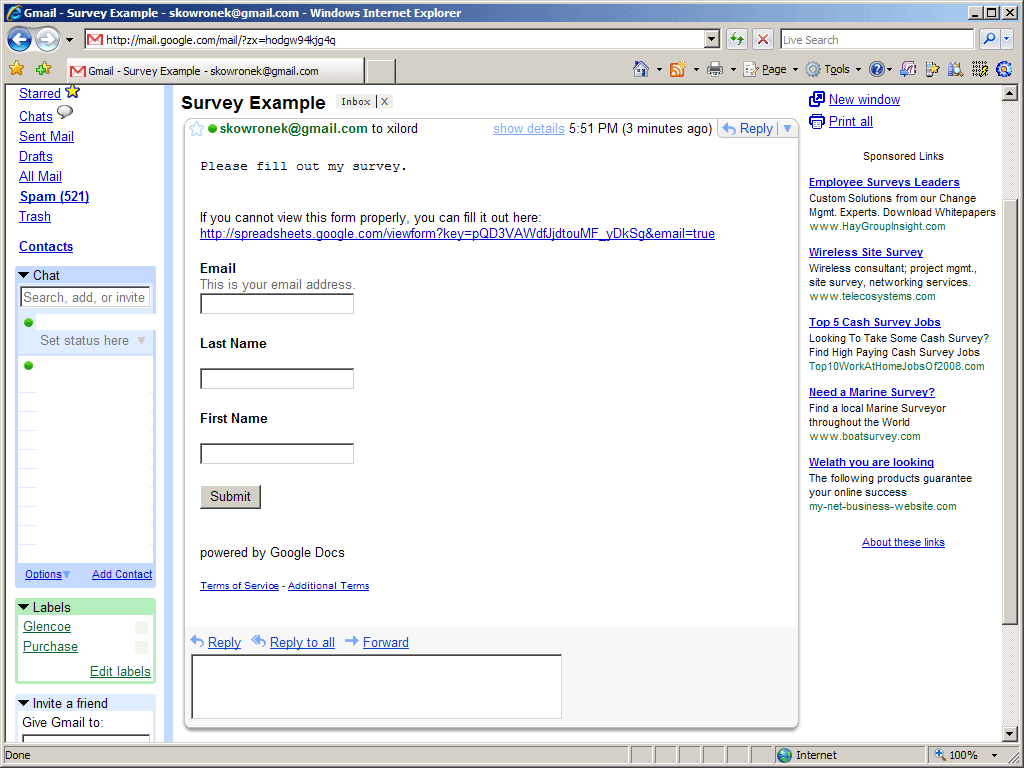
This is how the embedded form looks like Not really sure why they are actually allowing forms to be embedded in e-mail, but hey, they are Google right!
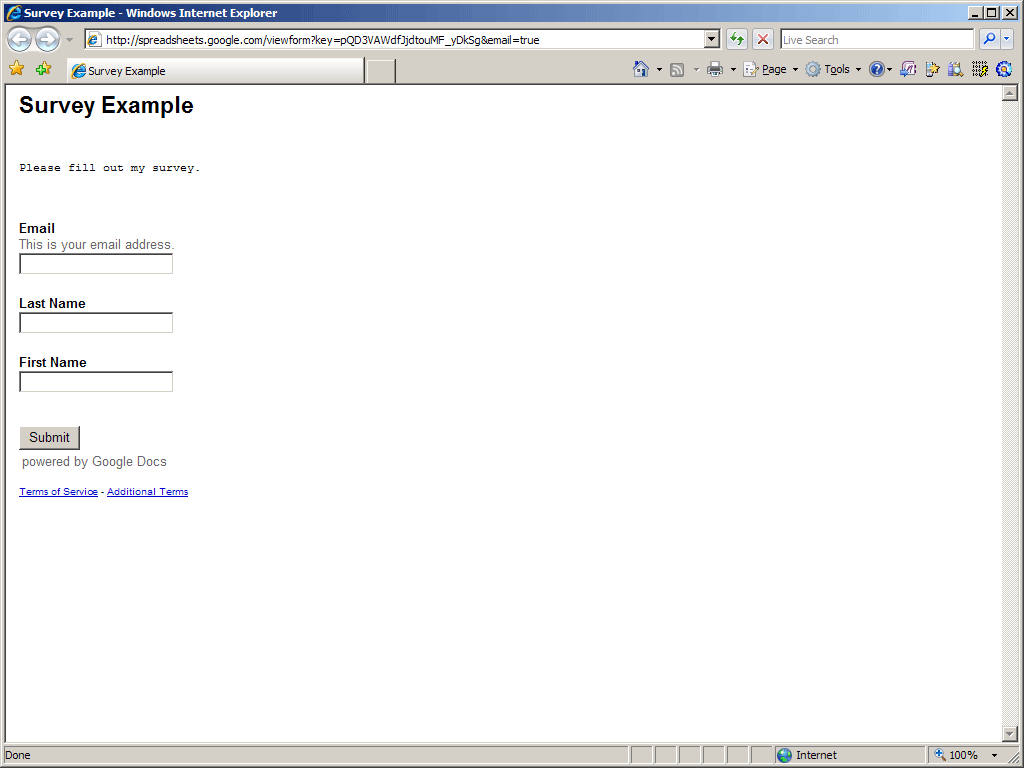
Here is what the form looks like (notice no real styles yet)
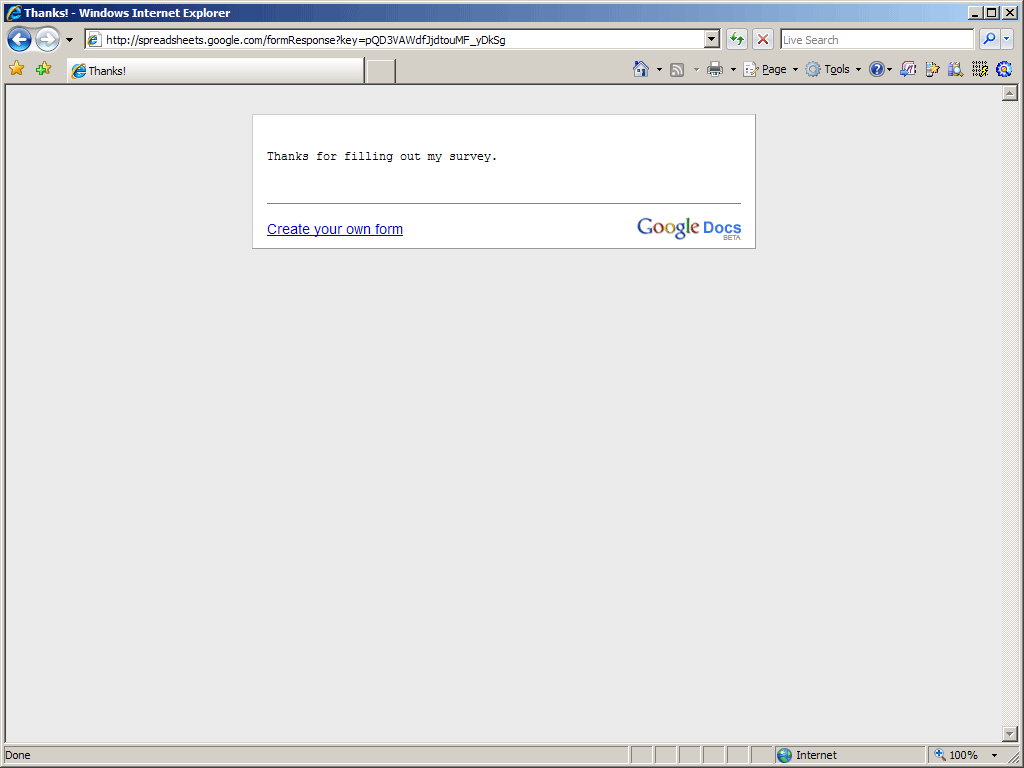
Form submission thank you page (no styling either)
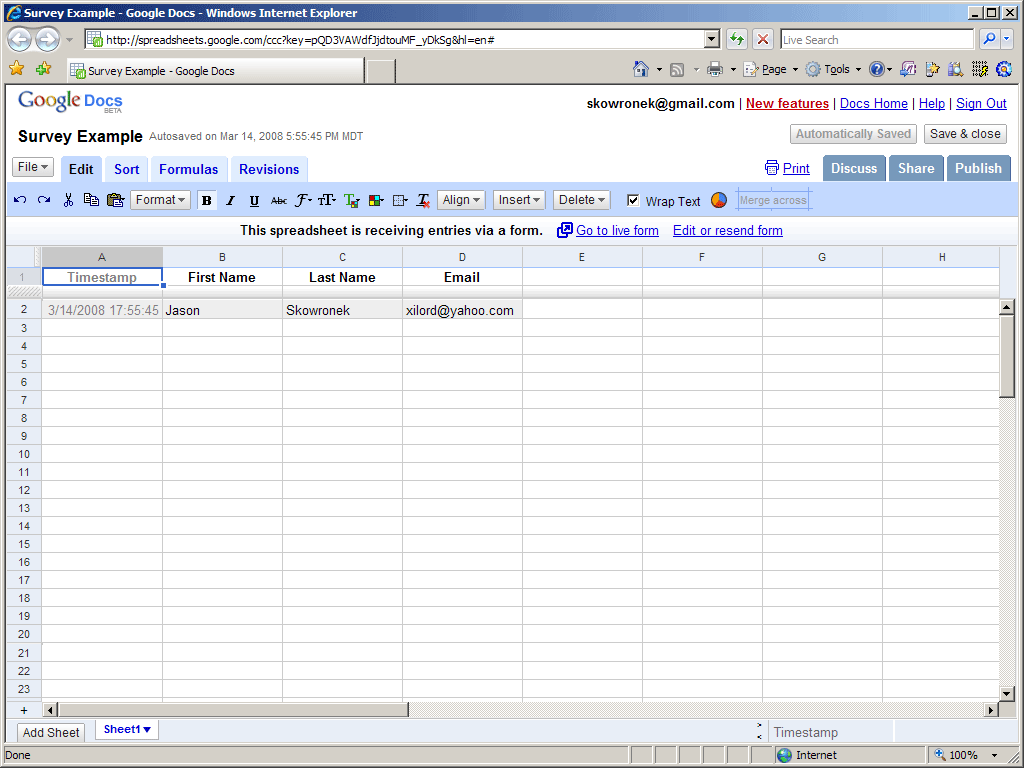
Collected data from the form
I think for people that are looking for a great way to capture information on the web with basic, rudimentary form tools, this is the ticket. However, because of the lack of style formatting and any sort of validation, those of us that require more enhanced forms will continue to build our own.
Tags: Article, Forms, Google, Google Docs, Survey